Private
Your voice is recognized on your Mac and stays there. No account, no analytics.
 Plume
Plume
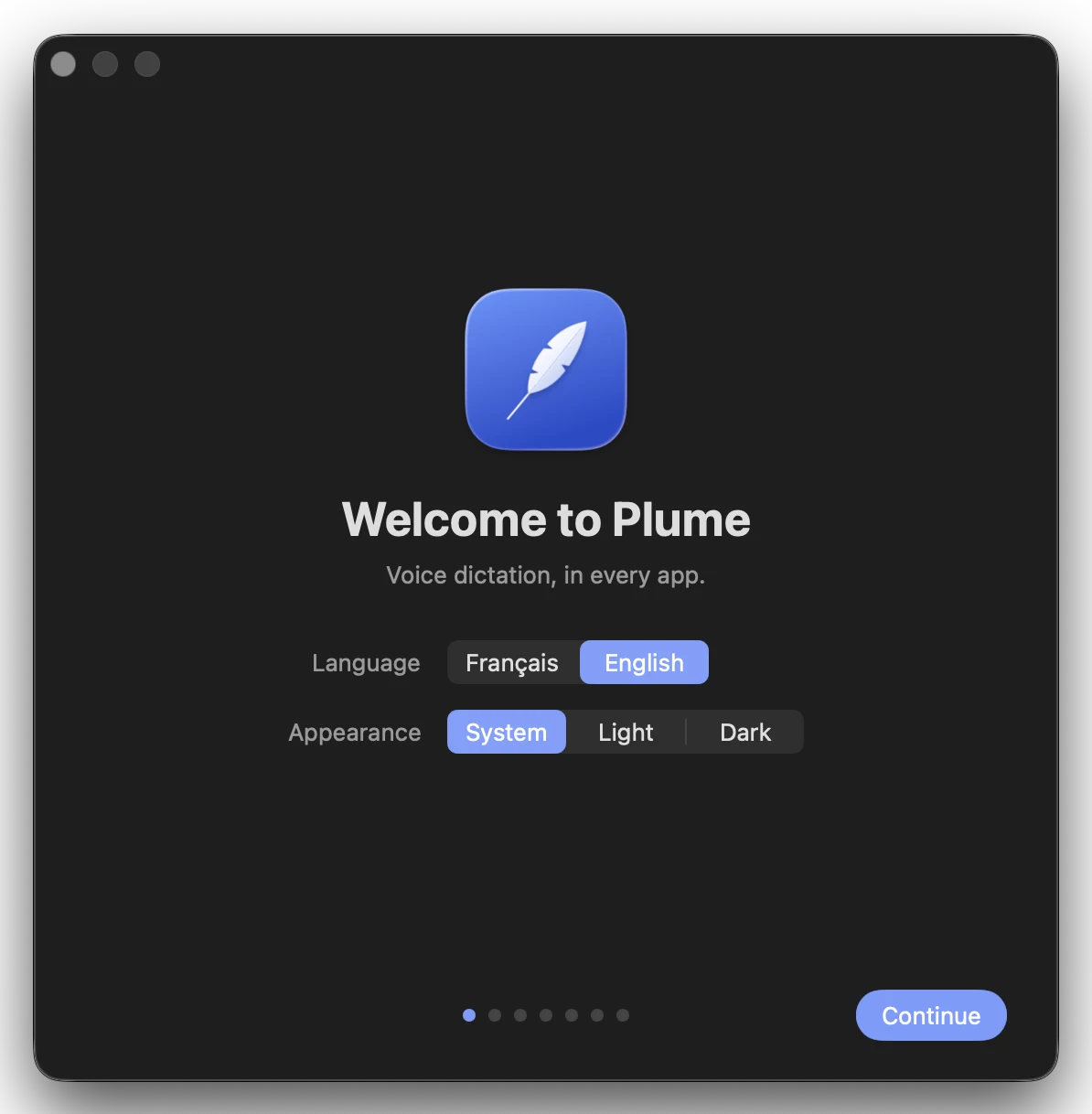
Press a key and talk. The text appears where your cursor is.
Free · Apple Silicon Mac · macOS 14 or later
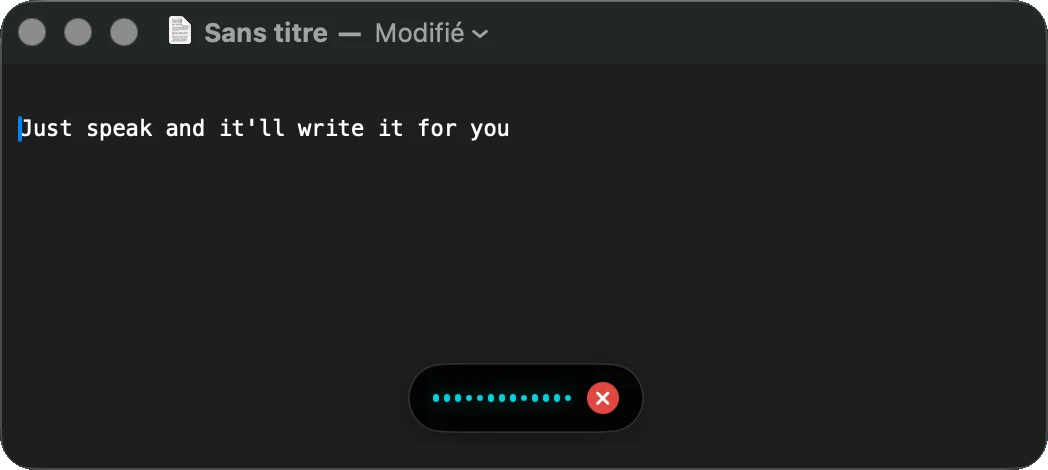
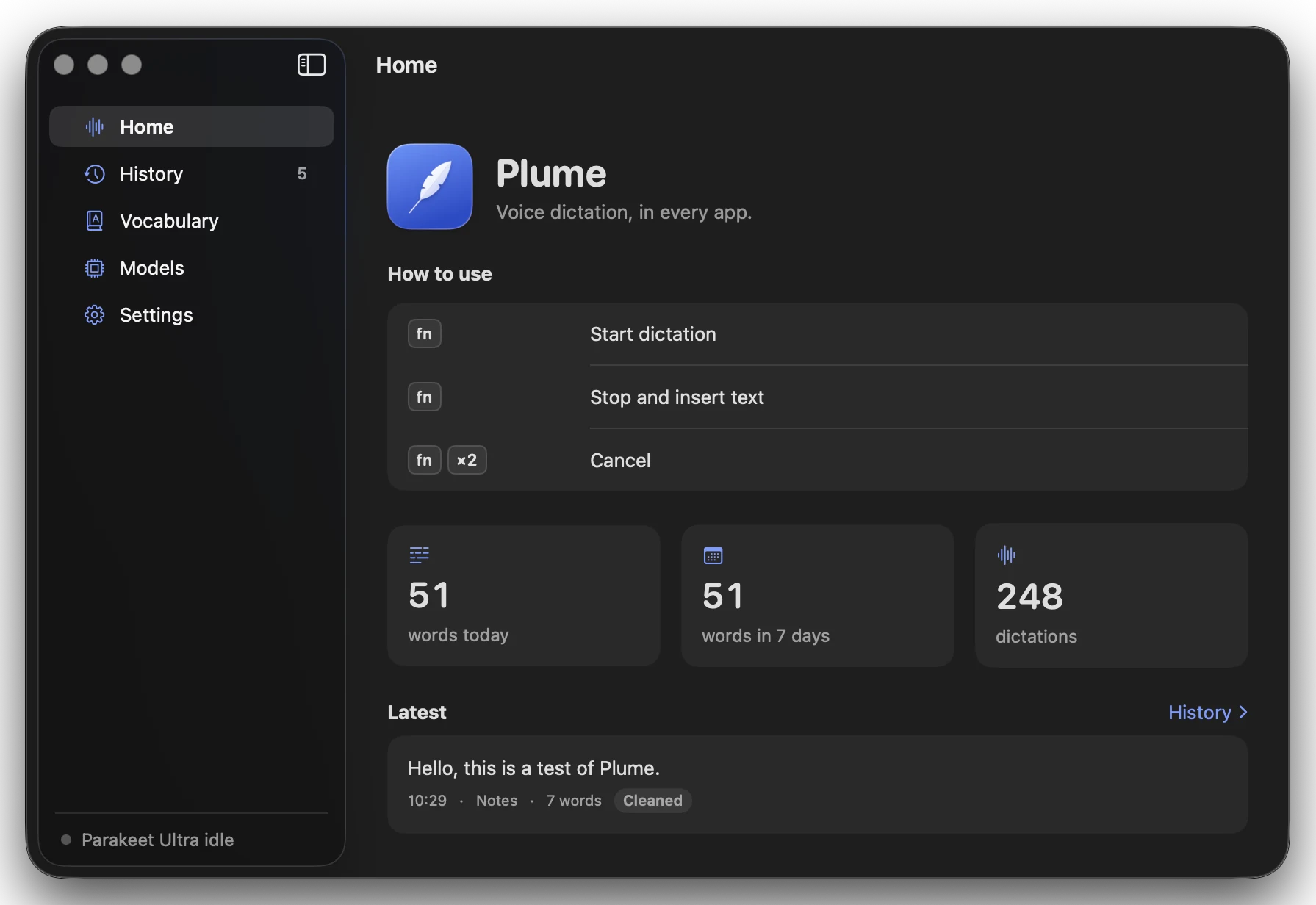
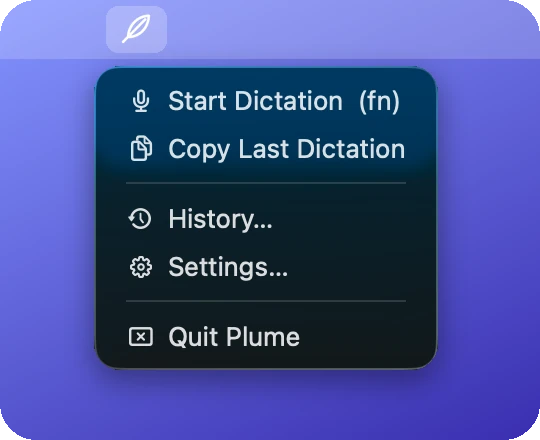
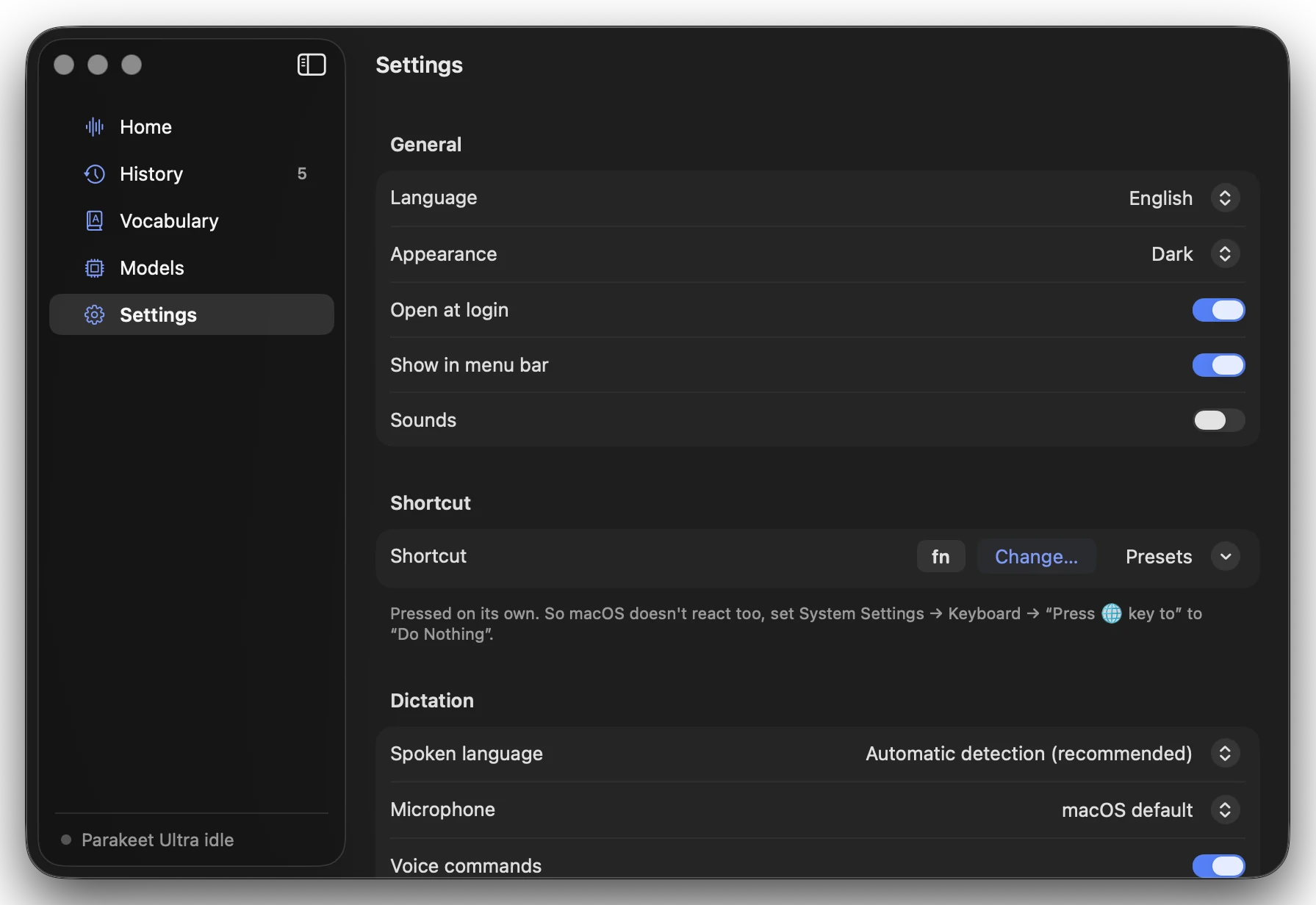
Press your shortcut key once (fn by default, any key you like).
Talk, in any app.
Press it again and the text is typed. Twice quickly to cancel.
Your voice is recognized on your Mac and stays there. No account, no analytics.
Plume is free and open source. Text cleanup is optional and uses your own key (a free Groq key is enough).
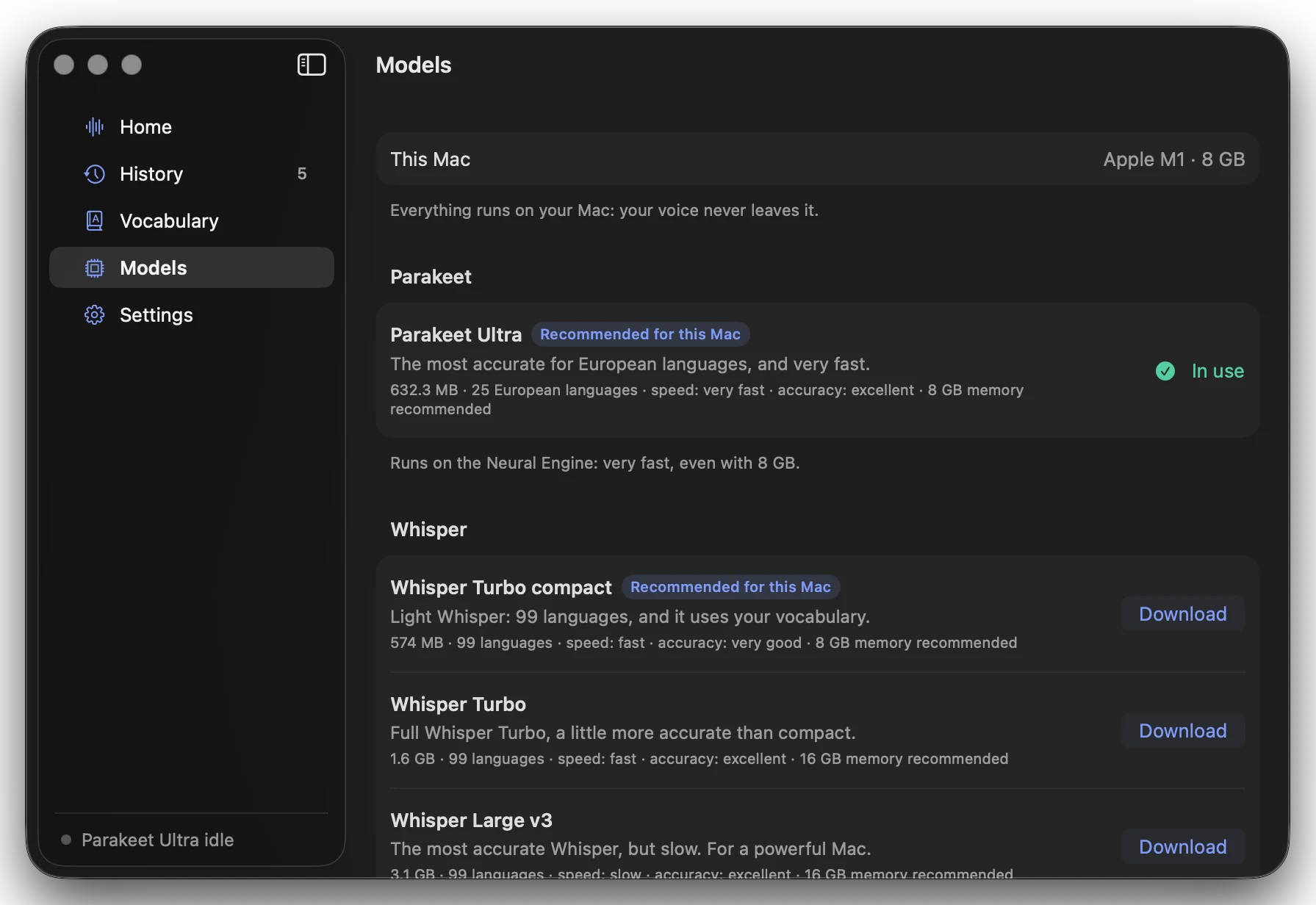
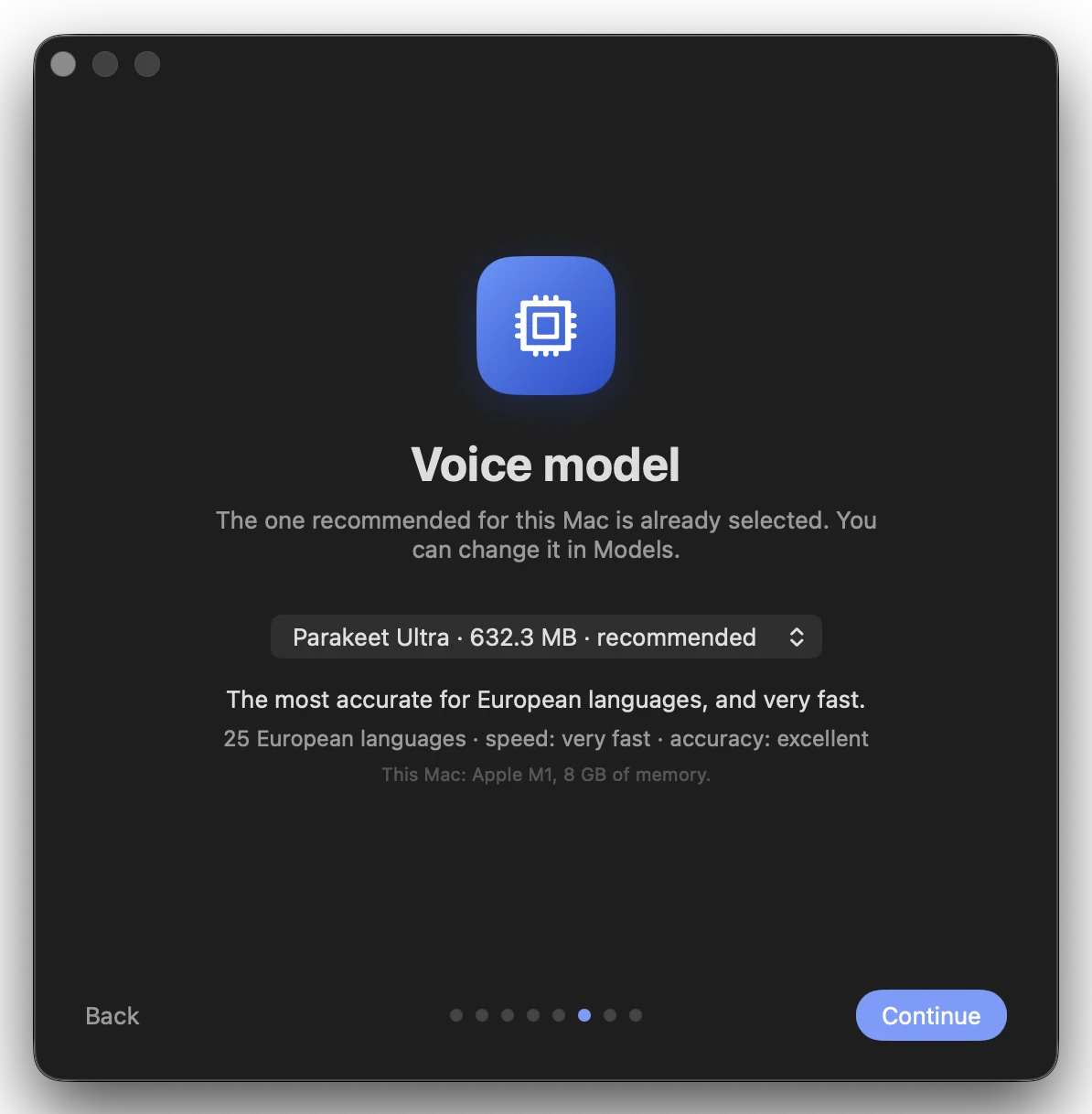
Parakeet Ultra by default: 25 languages, very fast, even with 8 GB. A more powerful Mac can use Whisper Large v3. The setup picks for you.
Why the warning? Plume isn't signed with a paid Apple developer account. The code is public on GitHub.